Smart screen management
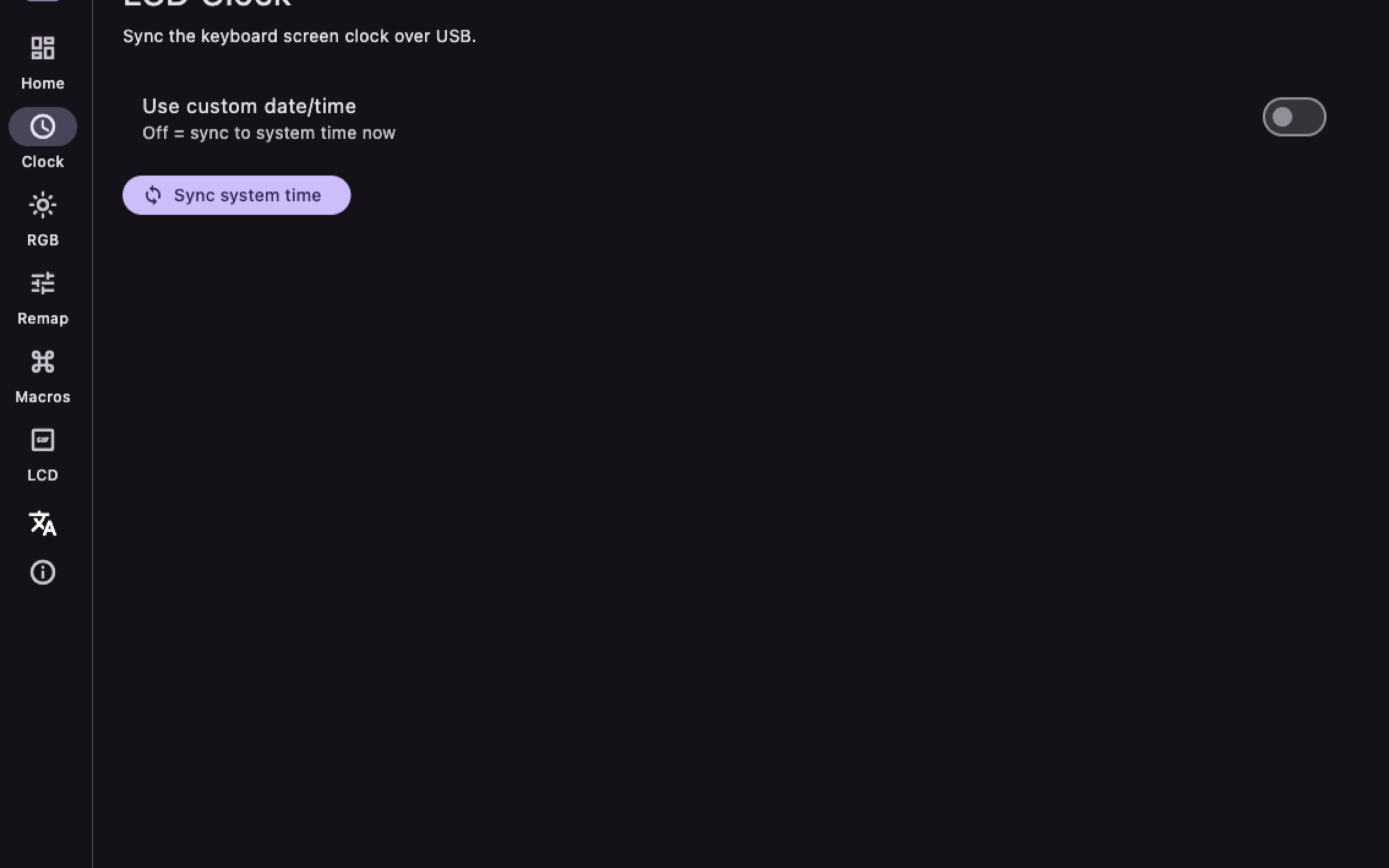
Sync your Mac’s clock, date, and battery status to the built-in TFT LCD over USB, including wireless keyboard use after sync.
AULA S98 Pro
A lightweight, open-source utility that configures your AULA S98 Pro mechanical keyboard natively on Mac — LCD clock, RGB, custom GIFs, remaps, and macros. Runs entirely on your machine.
What it does
Built for the AULA S98 Pro Wireless. Talks to the keyboard over USB with a native Flutter desktop app — no Windows VM, no vendor account.
Sync your Mac’s clock, date, and battery status to the built-in TFT LCD over USB, including wireless keyboard use after sync.
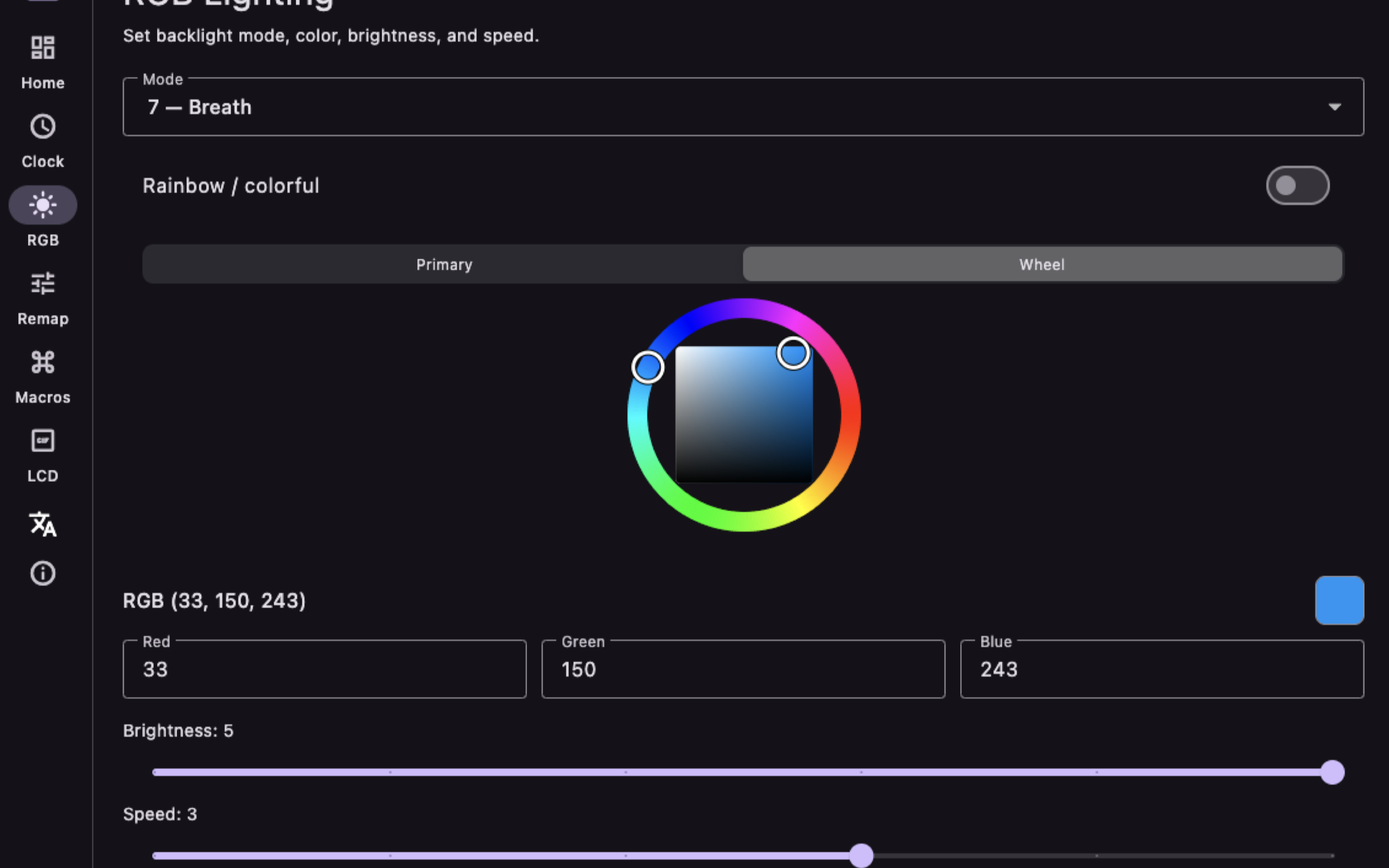
Pick from 20 lighting modes, set color, brightness, speed, and direction with a full color wheel — matching the hardware protocol.
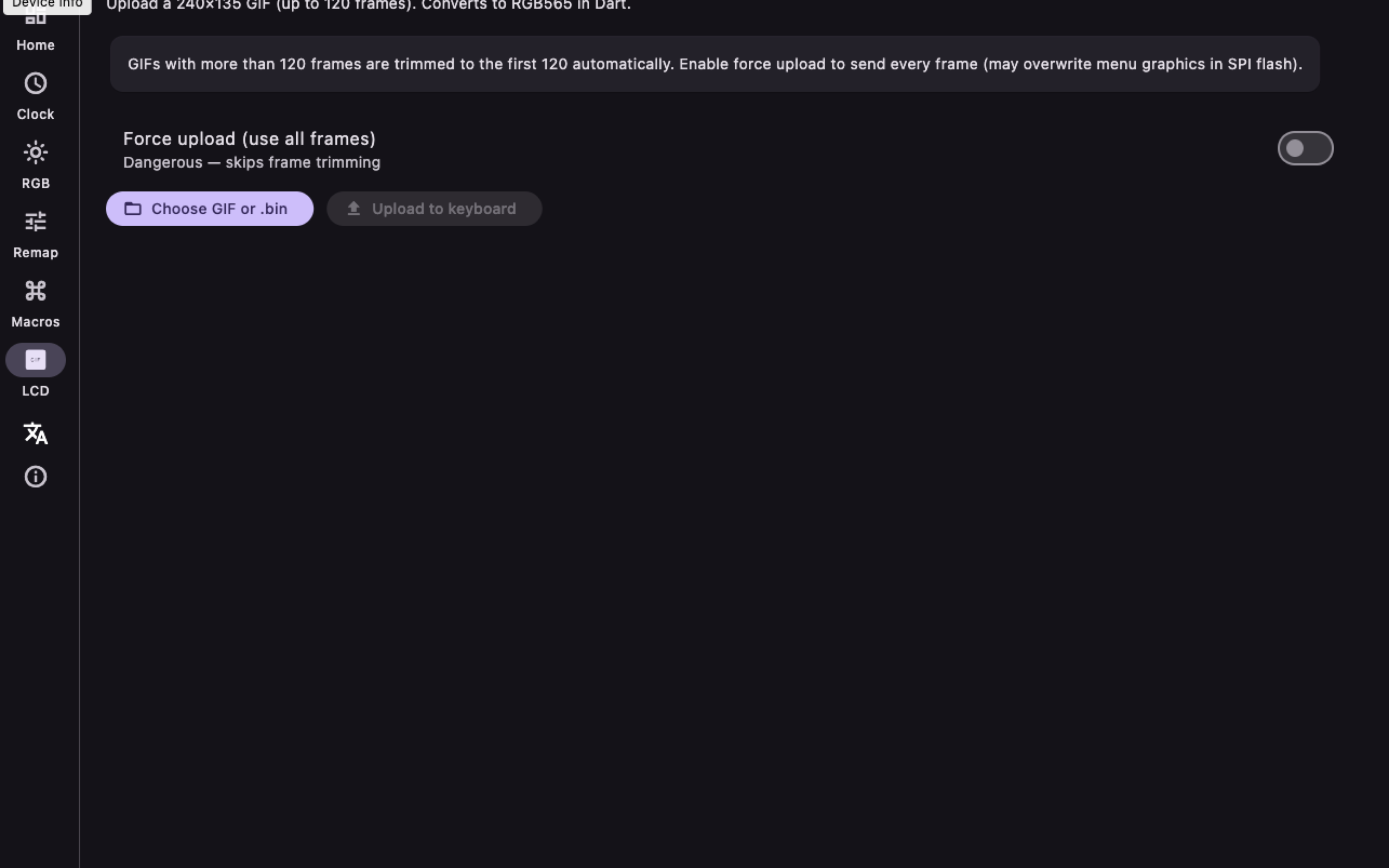
Import animations, convert to RGB565, and push them to the 240×135 keyboard display with a safe frame limit.
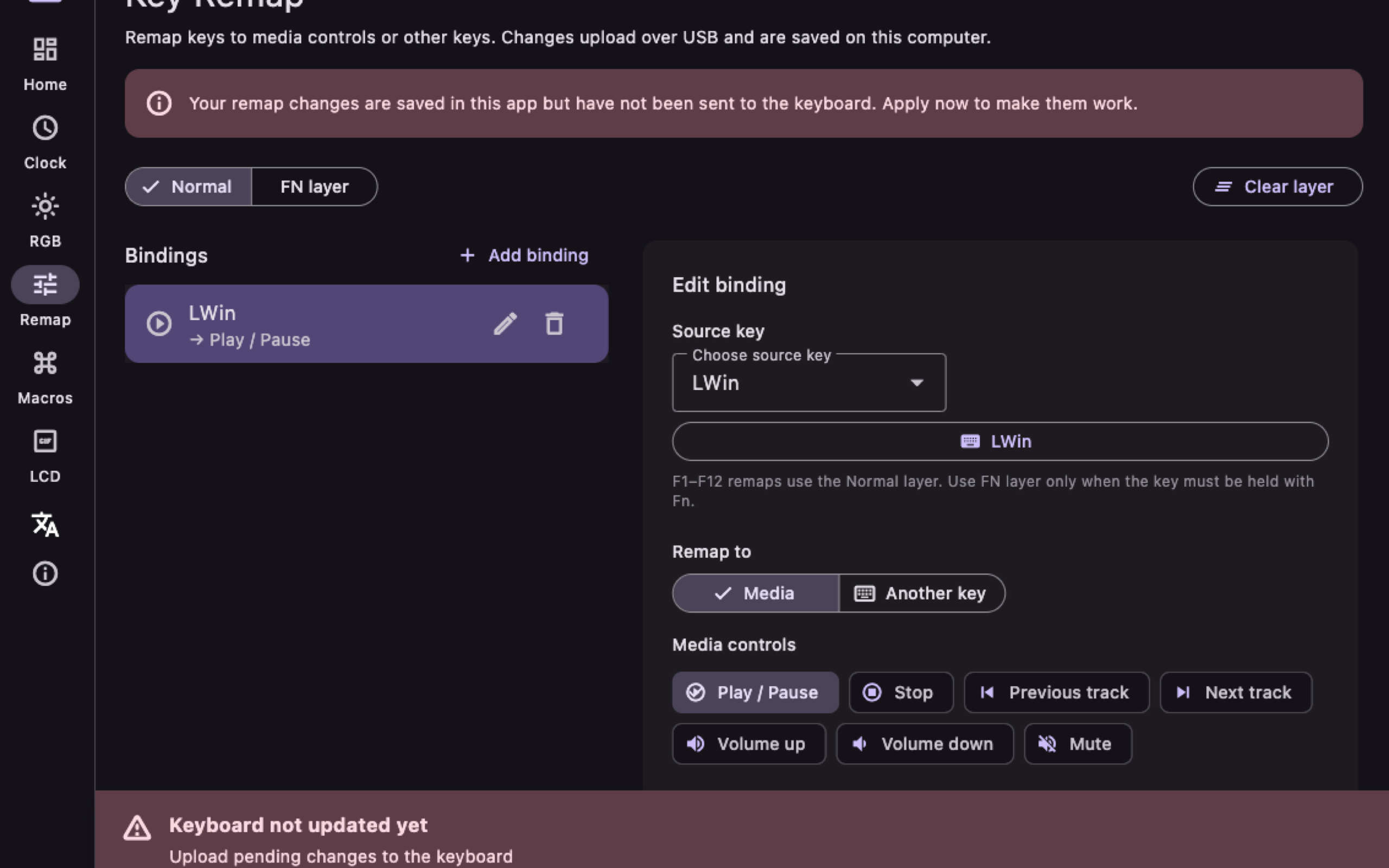
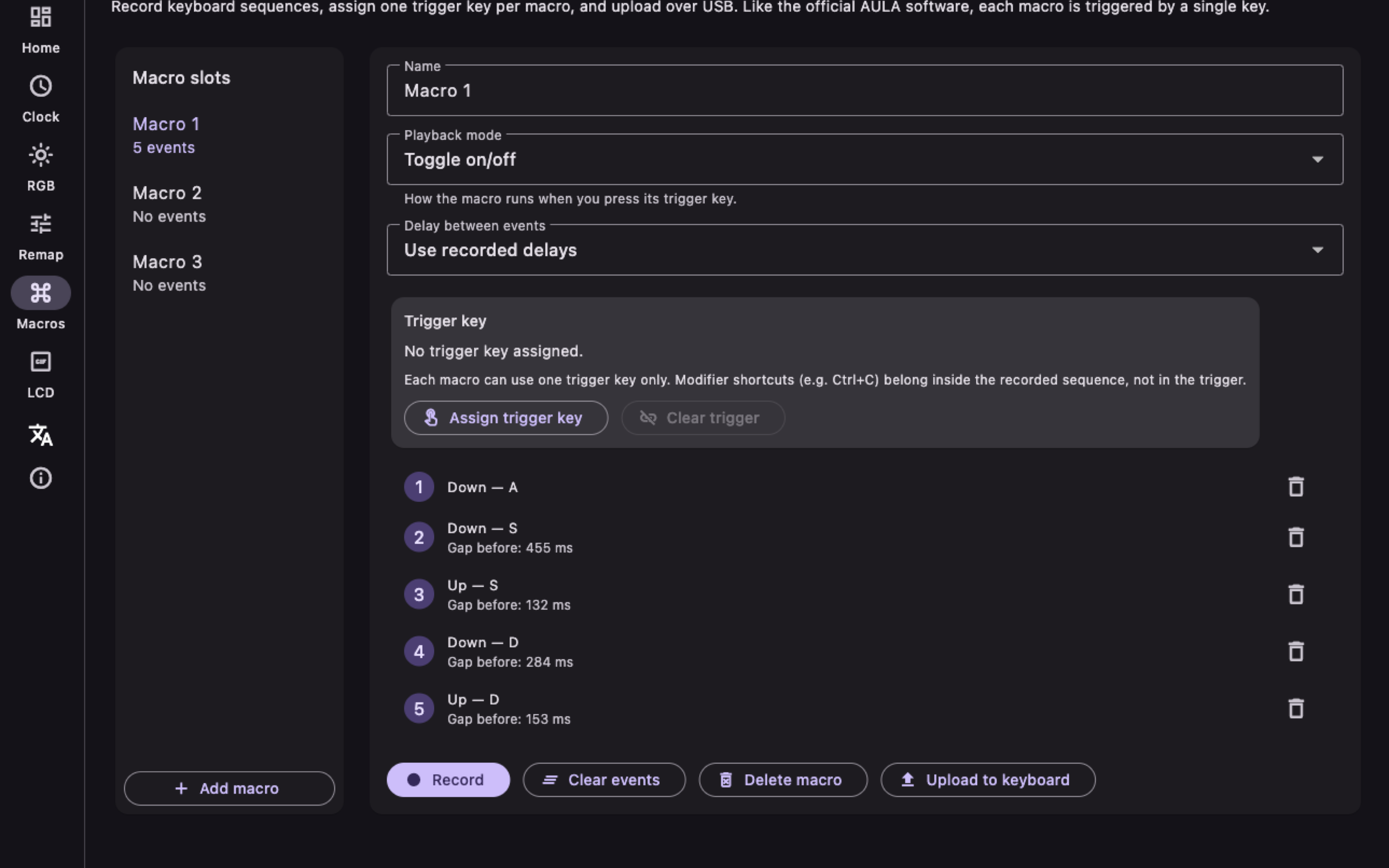
Remap keys and manage macro layouts on-device locally without rewriting core firmware.
Keep the multi-function control knob working cleanly with macOS volume and system settings.
No telemetry, no accounts, no cloud. Keystroke handling stays in memory on your Mac. See the privacy policy for details.
Get the binary
The signed release binary is published on GitHub Releases as a DMG. Prefer the latest release page if you want checksums and release notes.
Version 1.0.0 (build 2). Install by opening the DMG and dragging the app to Applications. Grant Input Monitoring when macOS asks — required for keyboard control, never used for logging.
Grab AULA.S98.Pro.dmg from the button above or the GitHub releases page.
Open the disk image, move the app to Applications, then launch it. Connect the keyboard over USB (not Bluetooth-only).
In System Settings → Privacy & Security → Input Monitoring, enable the app. Close the official AULA utility while using this companion.
Prefer building from source? Clone the repo, open aula_desktop/, run ./setup.sh, then flutter build macos.
A Node.js CLI reference implementation also lives in the repository root for protocol experimentation.
Product tour
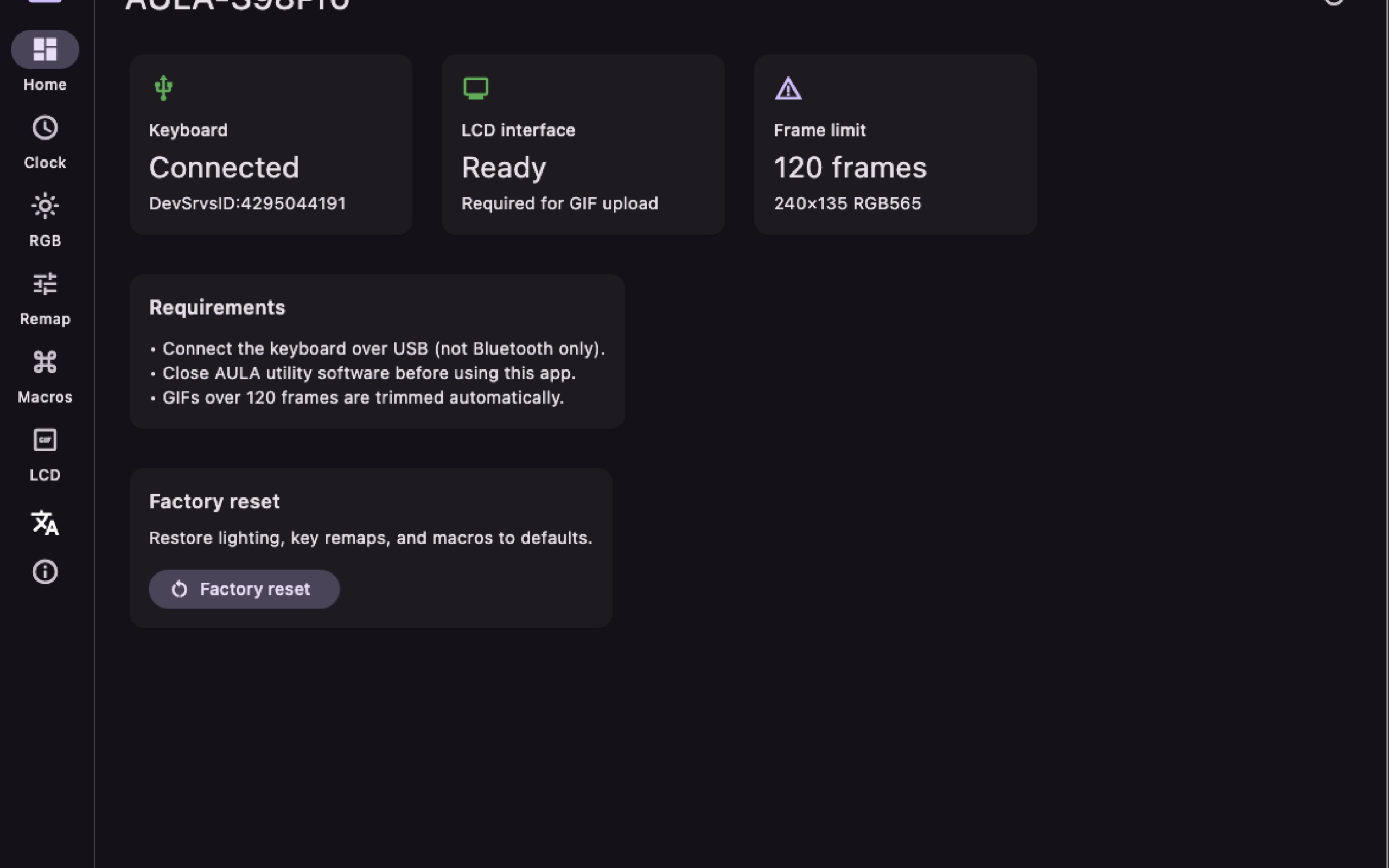
Home status, LCD clock sync, RGB studio, remaps, macros, and GIF upload — the full desktop workflow.
Open & local
Protocol reimplemented in Dart for the desktop app, with the original Node HID scripts kept as reference. Issues and contributions welcome on GitHub. Read how we handle permissions in the privacy policy.